Independent software studio
Well-made software you own.
We make private, local-first apps that run on your own device. You buy each one once at a fair price, with no subscription.
Ready to use
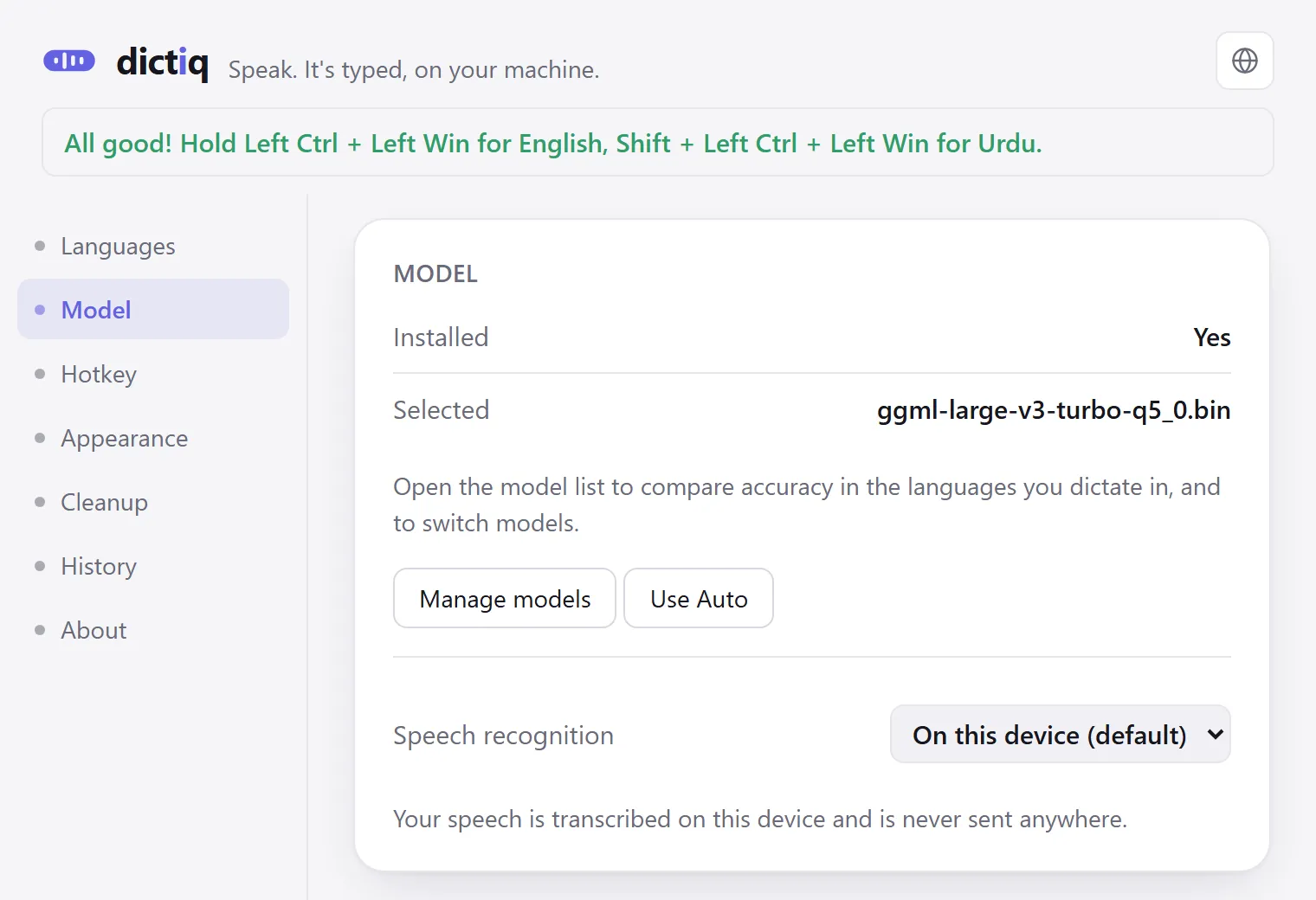
Dictiq
Dictation for Windows that runs on your PC.
- Available
- Windows, Mac
- In development
- iPhone, Android
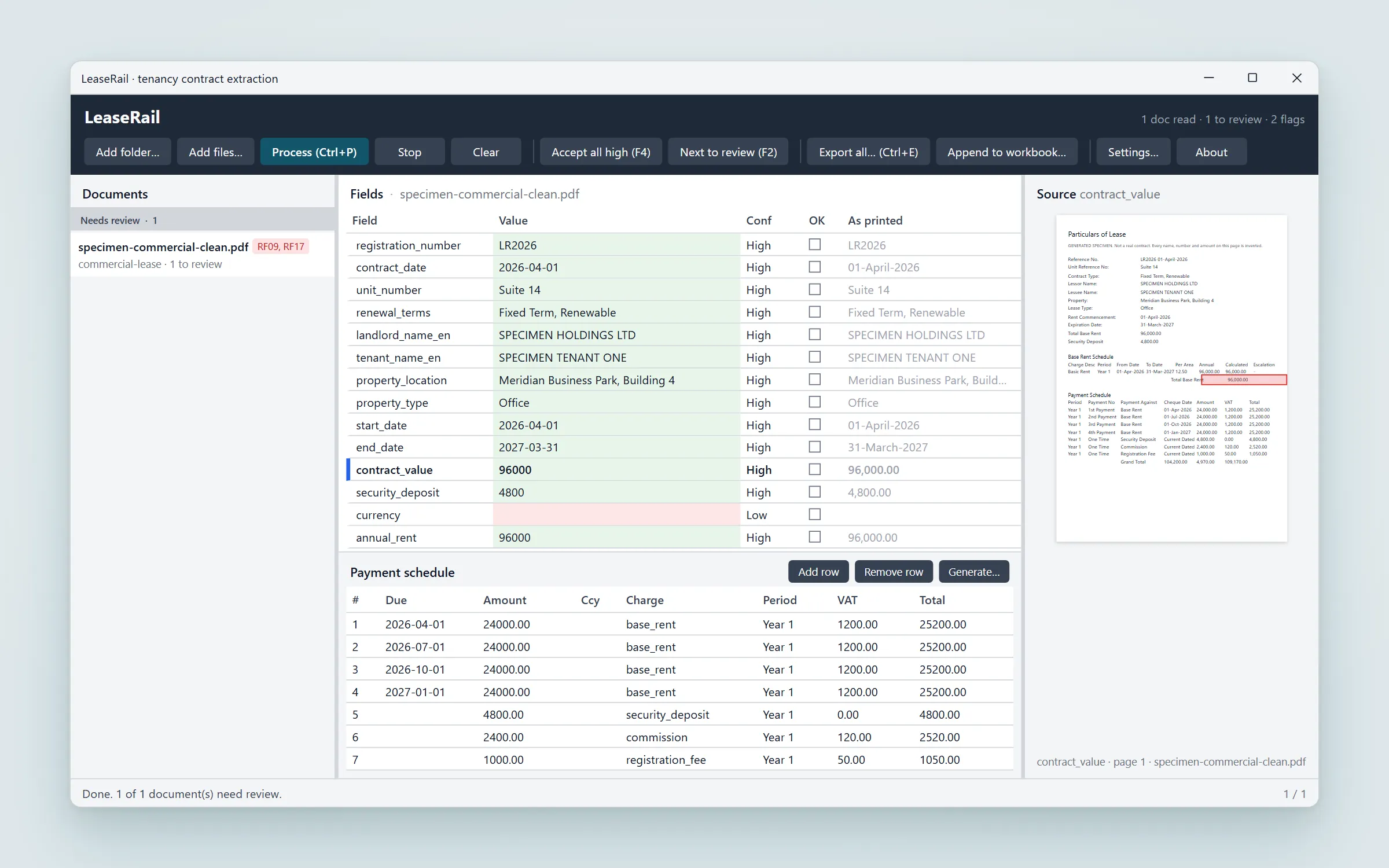
LeaseRail
Turn a folder of tenancy contracts into clean data.
- Available
- Windows, Mac, iPhone
- In development
- Android
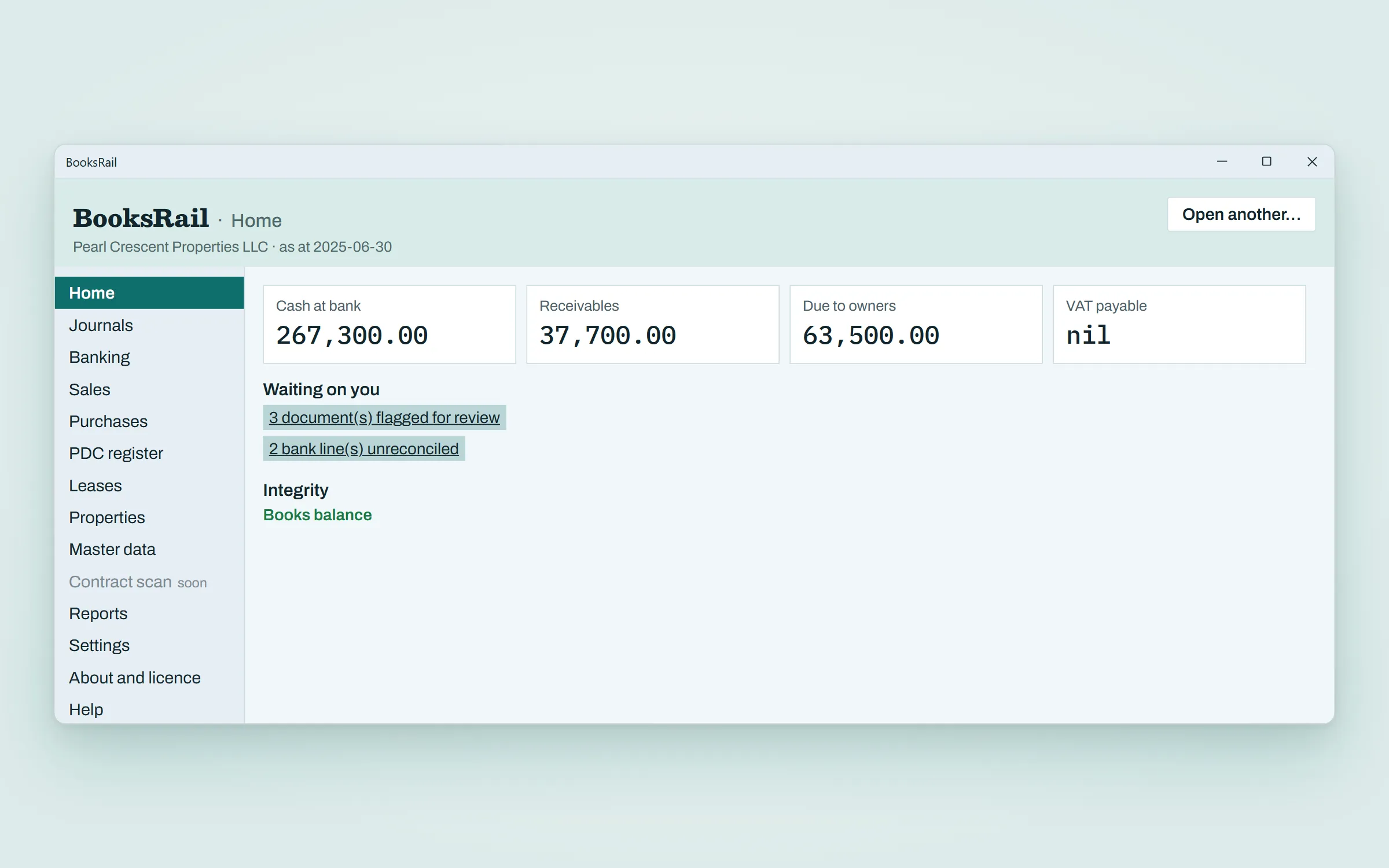
BooksRail
Accounting and reporting for real estate.
- Available
- Windows
- In development
- Mac
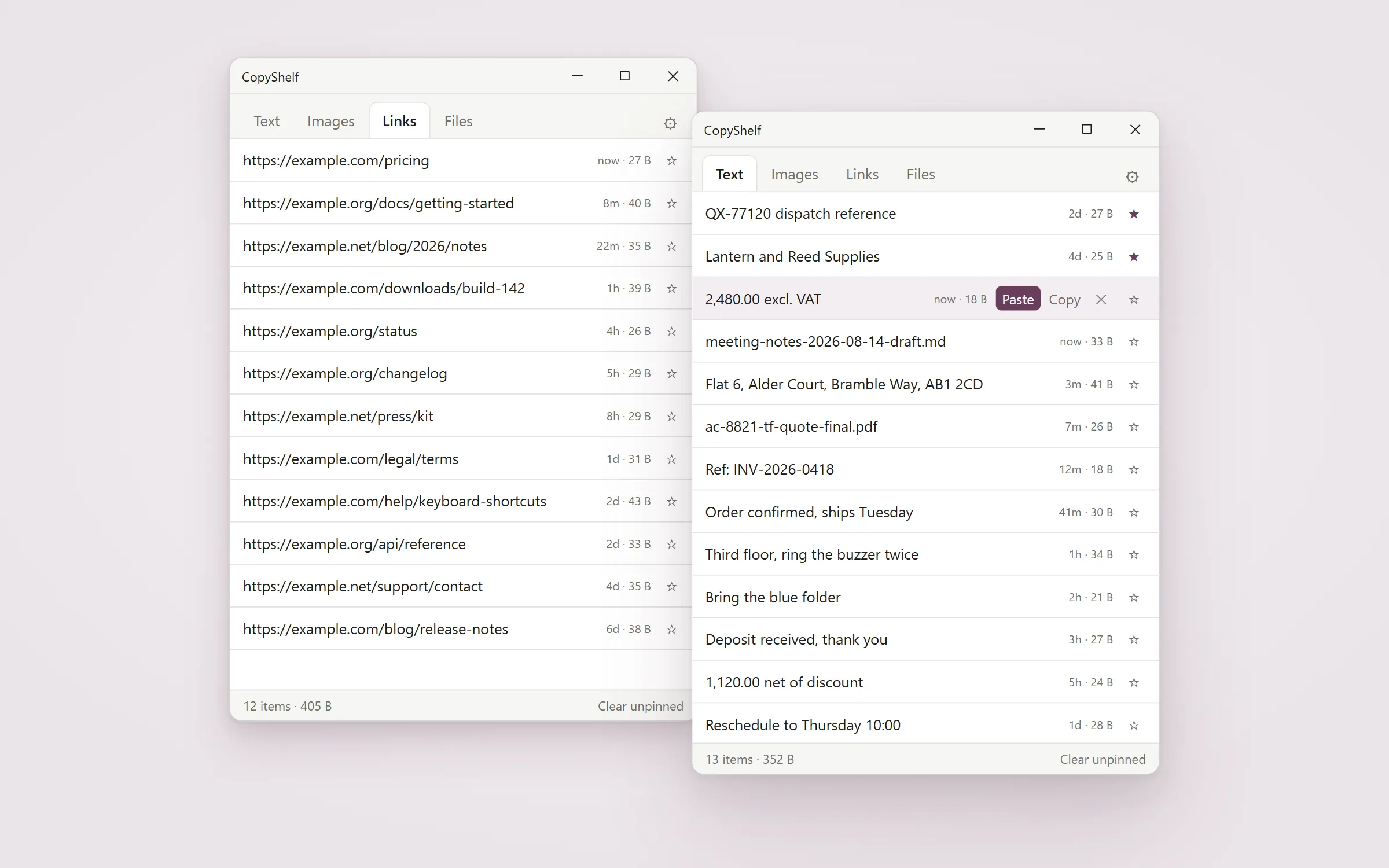
CopyShelf
A clipboard manager that sorts what you copy into four tabs: text, images, links, files.
- Available
- Windows
- In development
- Mac
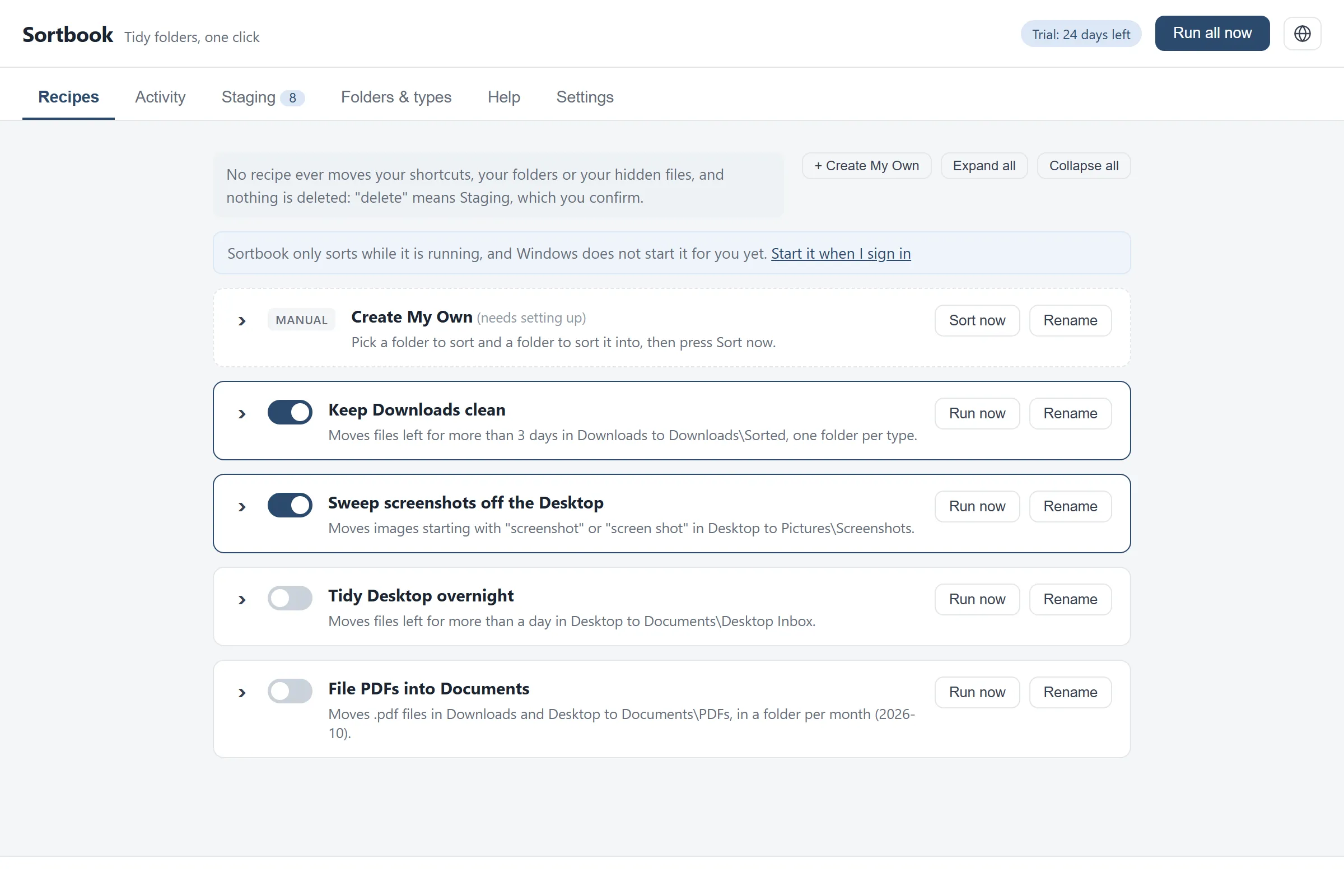
Sortbook
Tidies the folders you choose, by rules you can read.
- Available
- Windows
- In development
- Mac
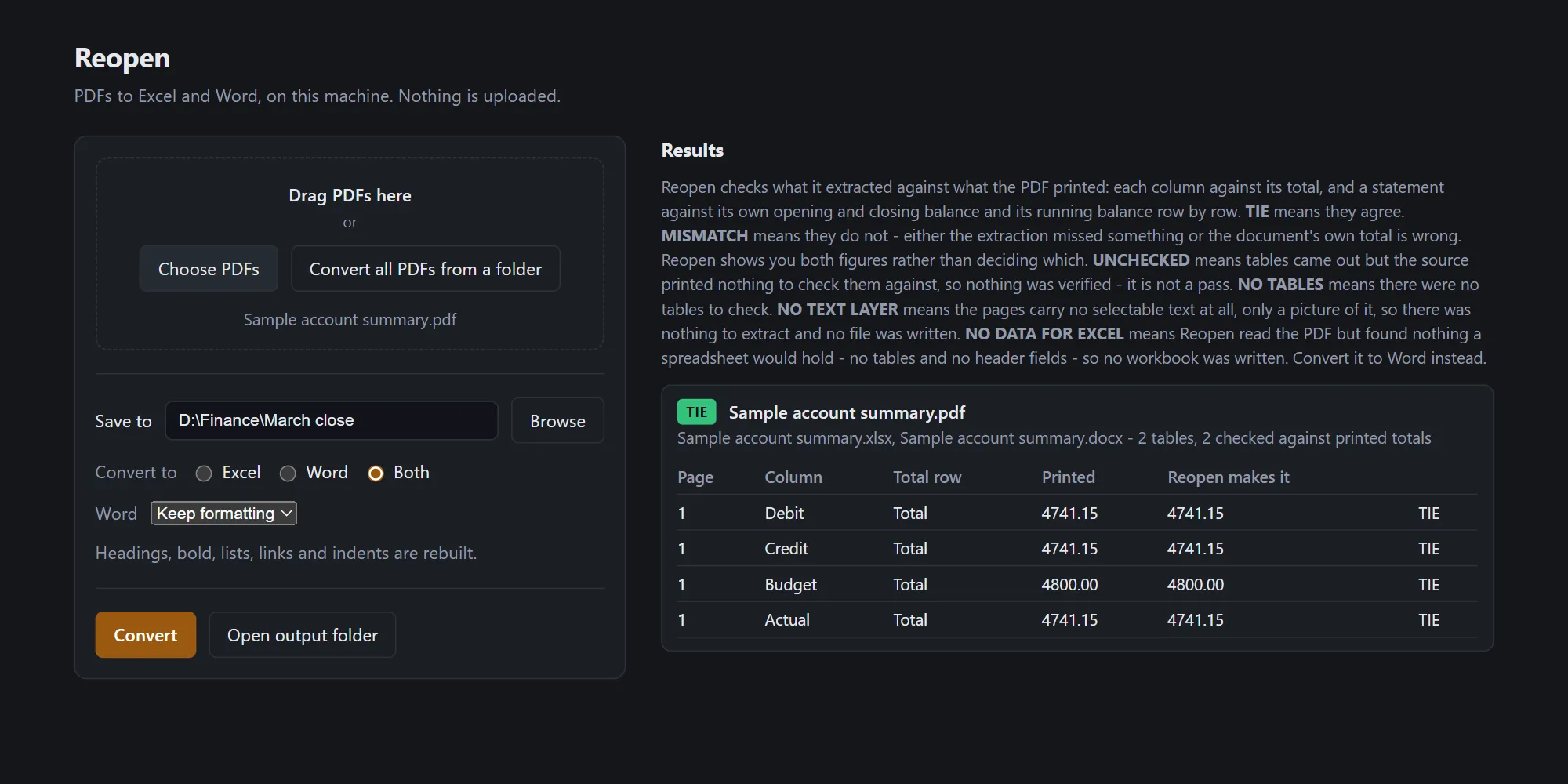
Reopen
PDF to Excel and Word, with the printed totals checked.
- Available
- Windows
- In development
- Mac
On your machine
Our apps run on your machine and are built to work offline. If a product needs the network, its privacy page says what for and why.
One price, then it is yours
You pay once and own the app, with no subscription meter running.
Made to be kept
We ship small, finished tools that do their job well and stay out of your way.
Apps
Everything on our shelf
Each app is self-contained and private by design, and you pay for it once.

Dictiq (opens dictiq.app in a new tab)
Dictation for Windows that runs on your PC.
- Available
- Windows, Mac
- In development
- iPhone, Android
LeaseRail (opens leaserail.app in a new tab)
Turn a folder of tenancy contracts into clean data.
- Available
- Windows, Mac, iPhone
- In development
- Android

BooksRail (opens booksrail.app in a new tab)
Accounting and reporting for real estate.
- Available
- Windows
- In development
- Mac

CopyShelf (opens copyshelf.app in a new tab)
A clipboard manager that sorts what you copy into four tabs: text, images, links, files.
- Available
- Windows
- In development
- Mac

Sortbook (opens sortbook.app in a new tab)
Tidies the folders you choose, by rules you can read.
- Available
- Windows
- In development
- Mac
Reopen (opens reopenpdf.app in a new tab)
PDF to Excel and Word, with the printed totals checked.
- Available
- Windows
- In development
- Mac
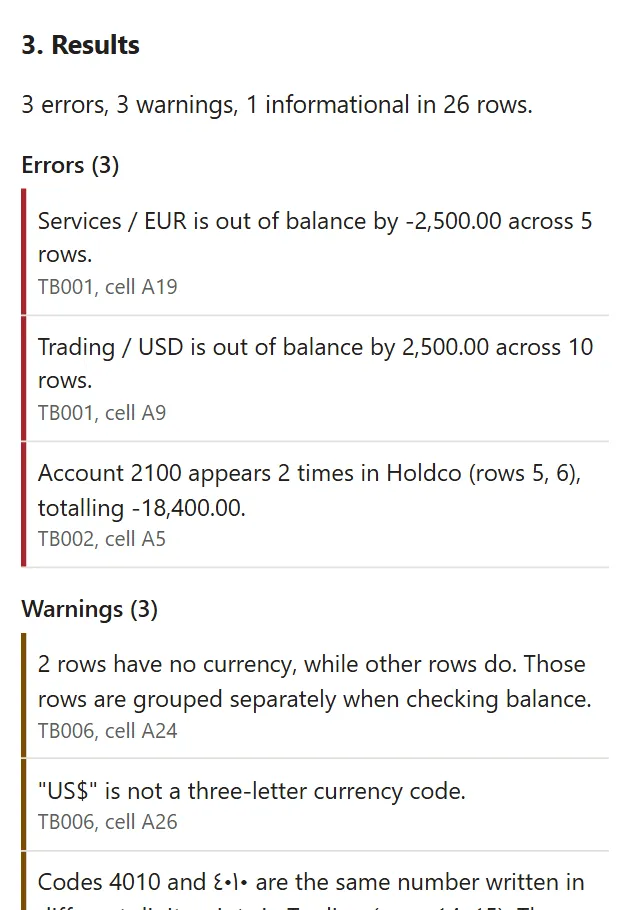

TBRail
Eight health checks for your trial balance, inside Excel.
- In development
- Excel
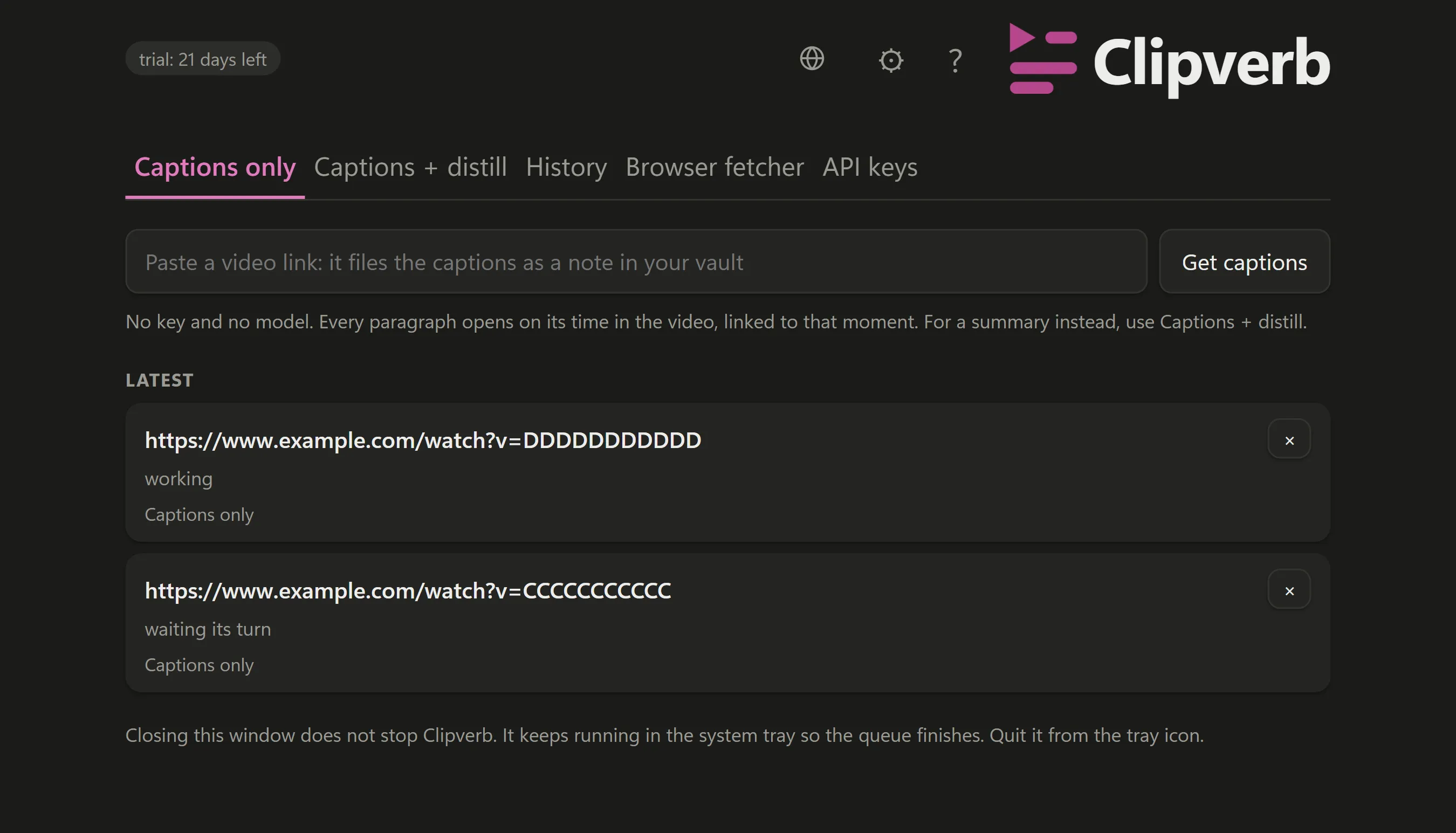

Clipverb (opens clipverb.app in a new tab)
Give it a video link and it files organised Markdown notes in your vault.
- In development
- Windows, Mac, Chrome

CapKB (opens capkb.app in a new tab)
Compress images in bulk to a kilobyte limit, on your computer.
- In development
- Windows, Mac
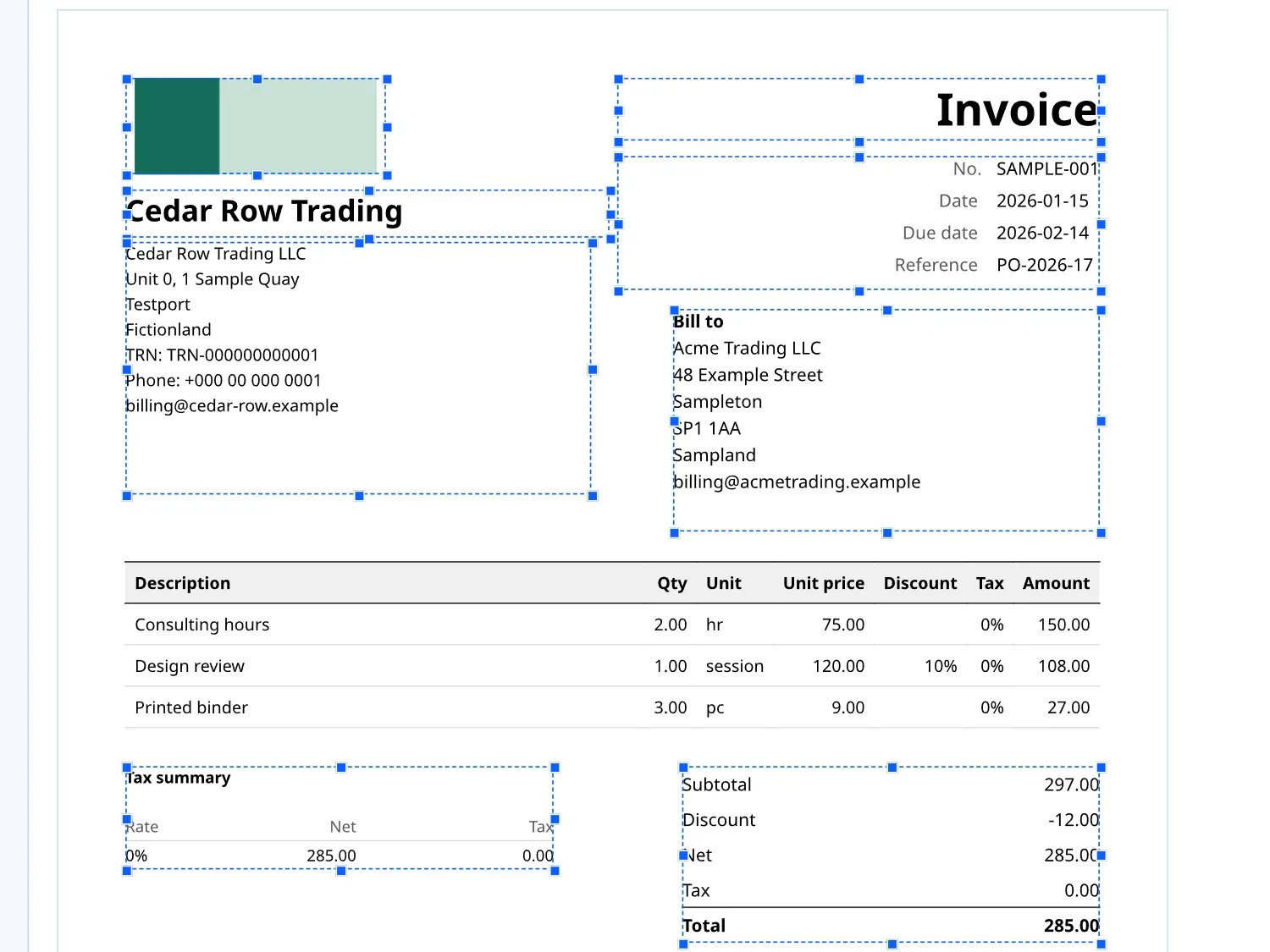
Issue Doc (opens issuedoc.app in a new tab)
Invoices and estimates on your letterhead, with the issued PDF as the record.
- In development
- Windows, Mac
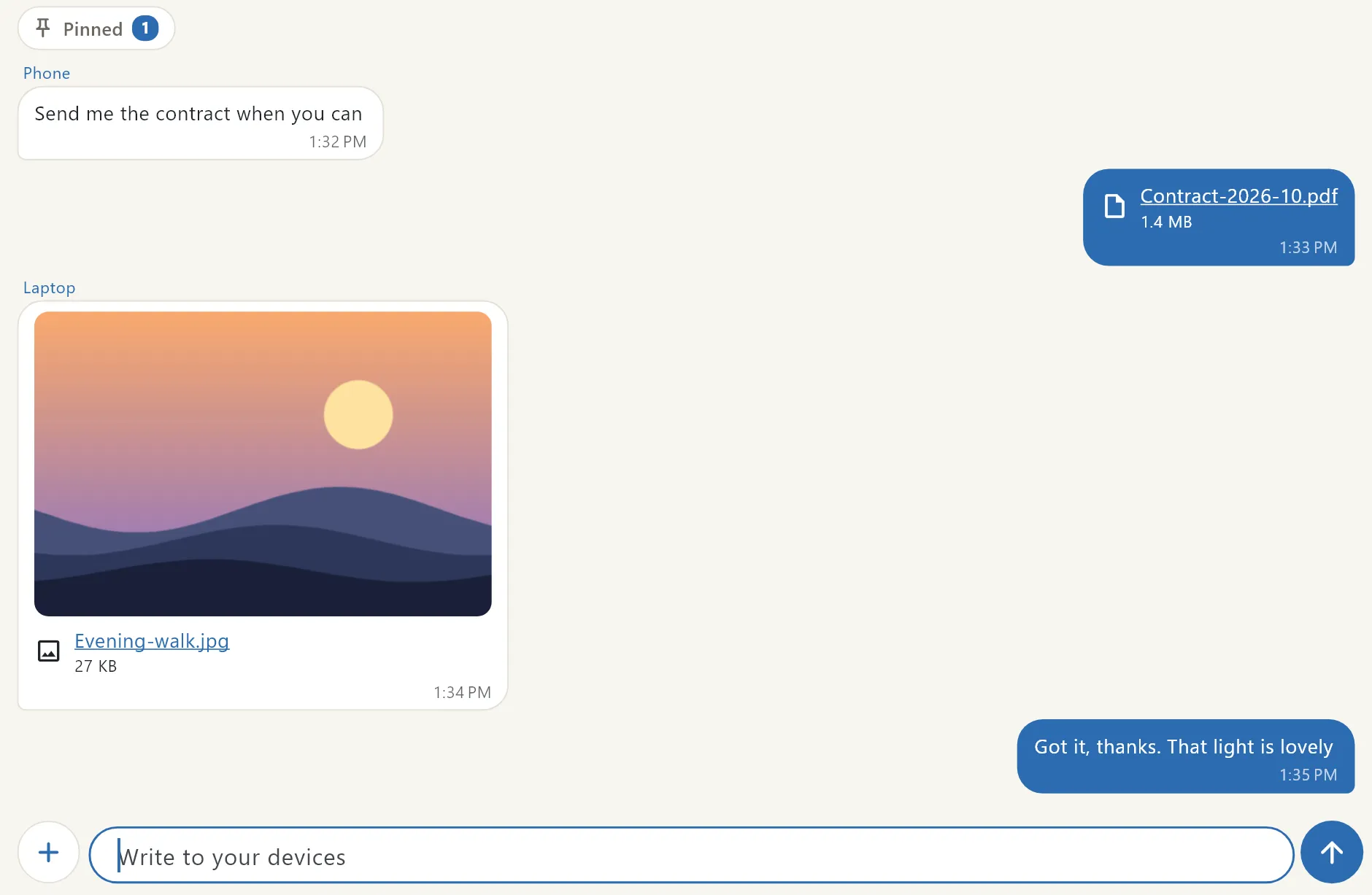

Notelocal
A private thread for devices
- In development
- Windows, Mac, iPhone, Android
Library
Knowledge Products
 AI Brain Plug & PlayUSD 19.99A portable memory your AI reads when a session starts and updates when it ends.
 IFRS Consolidation ToolkitUSD 19.99Group consolidation working papers that tie, and a tool that converts a P&L to IFRS 18.
 Industry P&L PackUSD 9.99Five sector profit and loss layouts that add up, with a tab to compare them side by side.
 UAE e-Invoicing Readiness KitUSD 19.99Turn the UAE e-invoicing mandate into a dated plan, with the tools to work through it.
 QoE and Red Flags ToolkitUSD 19.99A quality of earnings bridge, a 45 line red flags checklist and a worked example.
 Statutory Close Skills PackUSD 9.99Three Claude skills for the year end close, with a playbook.
 Hardbound Finance BundleUSD 99.94The six Hardbound finance packs in one download, each file exactly as it ships on its own.